





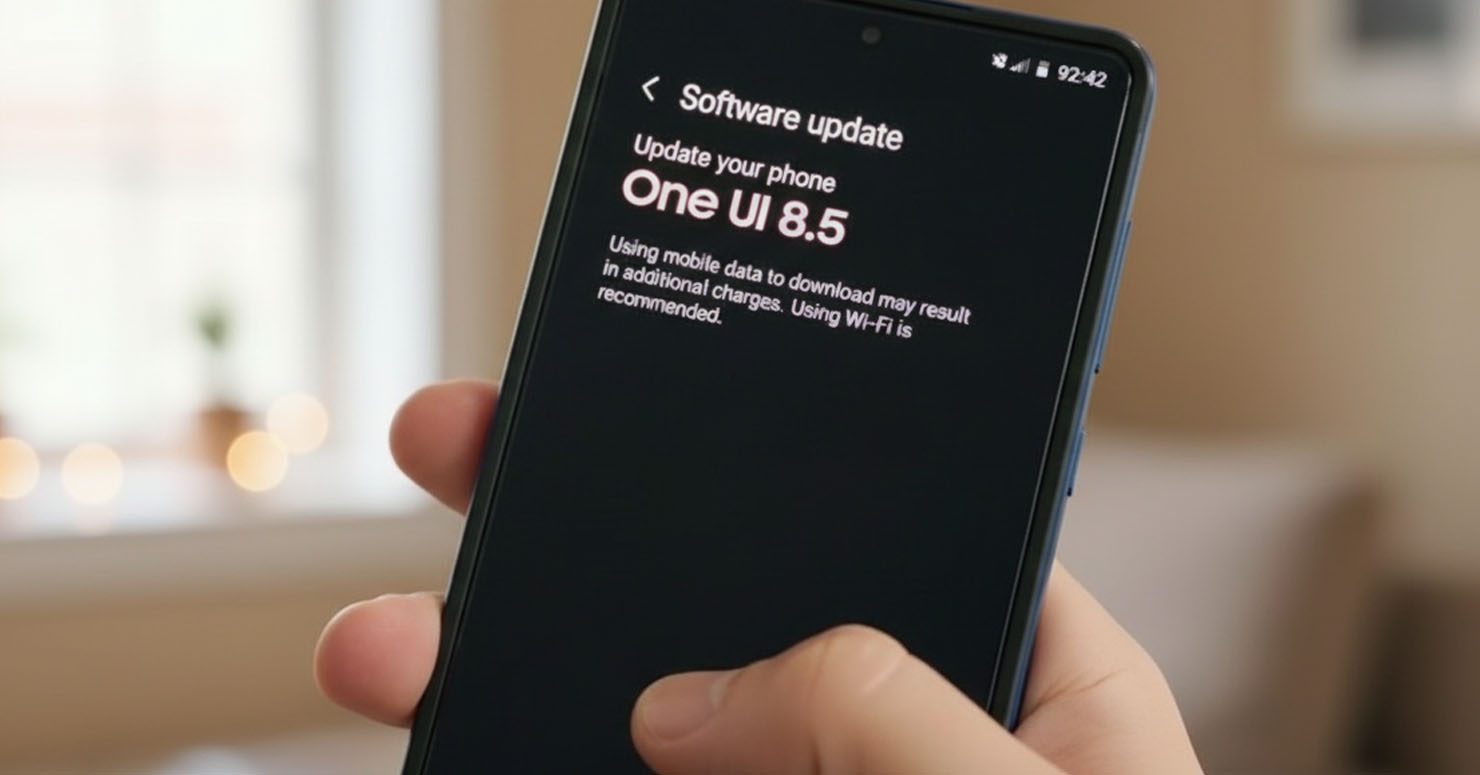
If you are a Samsung user who loves testing the latest software before anyone else, today is your day.
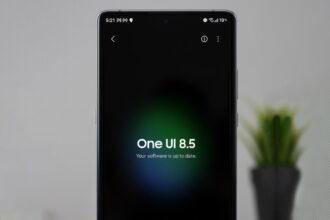
Samsung has officially launched the Samsung One UI 8.5 Beta program. Based on the latest Android 16, this update promises a significant overhaul to the interface, smoother animations, and deeper AI integration.
Reports from SamMobile confirm that the beta is now live for select regions, giving us our first real look at the software that will power the upcoming Galaxy S26 series.
What’s New in One UI 8?
While the full changelog is massive, the core focus of this update is Refinement and Intelligence.
- Android 16 Core: The update brings all the native privacy and performance features of Google’s Android 16.
- New Quick Panel: Rumors suggest a redesigned Quick Panel that separates notifications from settings, similar to iOS.
- Deeper Galaxy AI: Expect new generative AI features for Gallery and Notes, building on the success of the Generative AI tools introduced last year.


Full List of One UI 8.5 Supported Devices
The biggest question is: “Will my phone get it?”
Based on Samsung’s strict update policy (offering 4 to 7 years of updates depending on the model), here is the preliminary list of devices eligible for the One UI 8.5 supported devices beta:
Galaxy S Series
-
- Galaxy S25, S25+, S25 Ultra (Priority Access)
- Galaxy S24, S24+, S24 Ultra
- Galaxy S23, S23+, S23 Ultra
- Galaxy S23 FE
Galaxy Z Series (Foldables)
-
- Galaxy Z Fold 7 & Z Flip 7
- Galaxy Z Fold 6 & Z Flip 6
- Galaxy Z Fold 5 & Z Flip 5
Galaxy A Series (Mid-Range)
-
- Galaxy A56
- Galaxy A55
- Galaxy A36
Note: The beta program usually starts with the latest flagships (S25 series) and expands to older models over the coming weeks.
How to Join the Beta Program
Joining the beta is simple, but remember: beta software can be buggy. We don’t recommend installing this on your primary work phone.
- Download the Samsung Members app from the Galaxy Store or Play Store.
- Log in with your Samsung Account.
- Look for a banner at the top that says “Registration for One UI 8 Beta Program.”
- Tap the banner and click Enroll.
- Once enrolled, go to Settings > Software Update > Download and Install.


When Will the Stable Version Release?
Historically, Samsung runs the beta program for about 2 months. This puts the official, stable public release around January or February 2026, likely coinciding with the launch of the next Galaxy flagship.
Until then, if you have a supported device and feel adventurous, the Samsung One UI 8.5 Beta is your ticket to the future of Android.
