





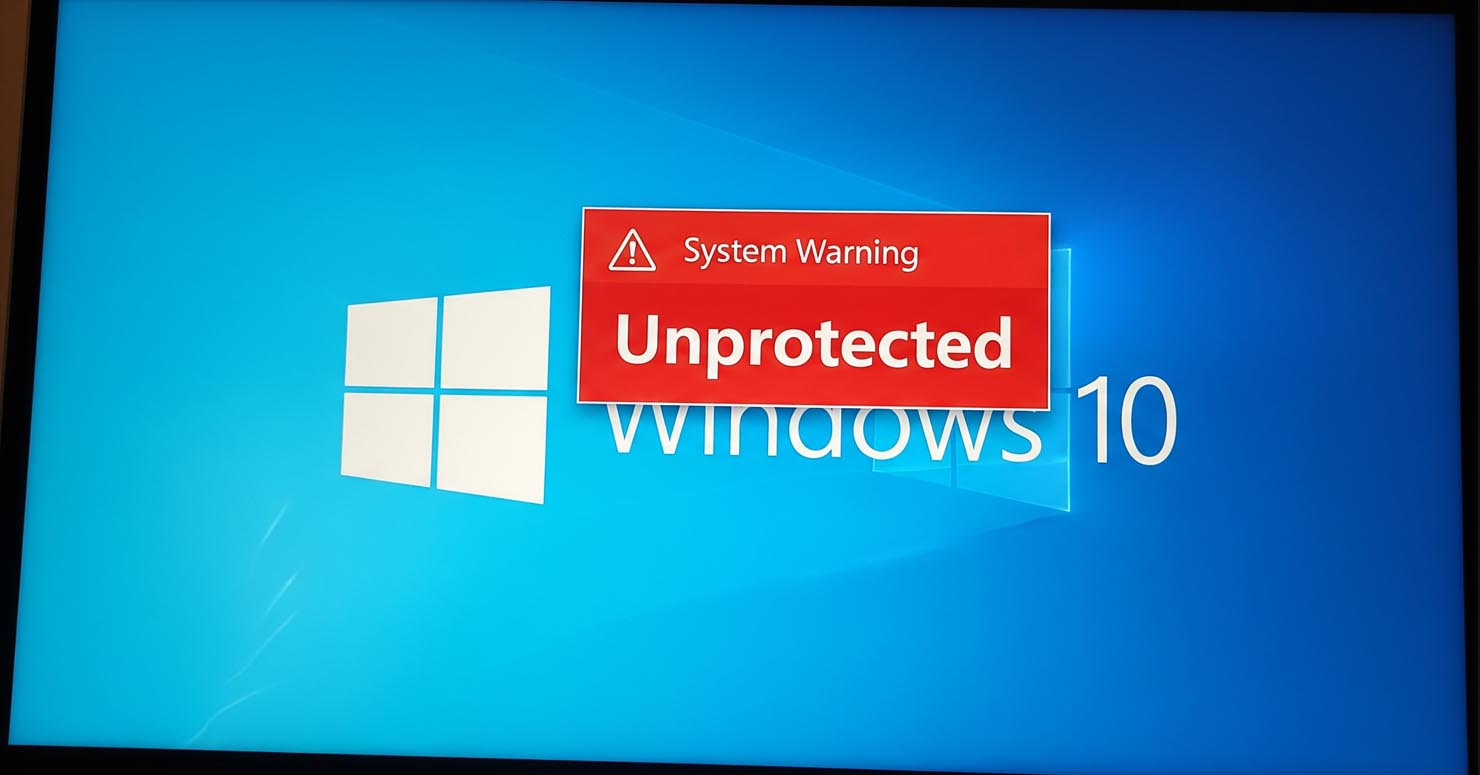
If you are still running Windows 10, you are now officially operating without a safety net.
It is official: Windows 10 support ended on October 14, 2025, and if you haven’t upgraded yet, you are essentially operating without a safety net. This isn’t just a routine calendar update; it marks the definitive “End of Life” (EOL) for one of the most popular operating systems in history.
So, what does this mean for you today? It means that because Windows 10 support ended, your computer is no longer receiving critical security updates, leaving it wide open to new attacks.
Is Windows 10 Safe to Use Anymore?
The short answer: No.
While your PC will still turn on and run apps, it is now “abandonware” in terms of security. Now that Windows 10 support ended, Microsoft has stopped releasing patches for newly discovered vulnerabilities. According to Microsoft’s Official Lifecycle Policy, the operating system reached its retirement date last month.
- No More Patches: If hackers discover a new flaw in Windows 10 tomorrow (which they inevitably will), Microsoft will not fix it for free users.
- Malware Magnet: Unpatched systems are the #1 target for ransomware and phishing attacks.
- Software Compatibility: Over the next year, apps like Chrome and Steam will slowly stop supporting the older OS.




Your Options: What Should You Do Now?
You have three main choices to stay safe.
1. Upgrade to Windows 11 (Free but Restricted)
If your PC was bought in the last 4-5 years, it likely supports Windows 11. You can upgrade for free via Windows Update. This is the best and easiest path.
2. Buy a New PC
If your computer is too old to run Windows 11 (usually because it lacks the “TPM 2.0” security chip), it might be time to retire it. New PCs come with Windows 11 pre-installed and are much faster.
3. Pay for “Extended Security Updates” (ESU)
For the first time ever, Microsoft is allowing regular consumers to pay for updates for one more year. However, this costs $30 (approx) and is only a temporary band-aid. We do not recommend this for most users.
The Bottom Line
The era of Windows 10 is over. Continuing to use it in late 2025 is a gamble with your personal data. Whether you choose to upgrade Windows 10 to 11 or buy a new machine, the time to act is now.
